One of the common challenges of transforming data that could get complicated is the removal of ASCII special characters such as newlines or tabs. In this blog, we take a look at some details about the ASCII characters and ways of removal. Let’s look at the type of ASCII character that involves & ways to replace data transformation. Mostly we can use the REPLACE command to clear these but need more understanding to identify the special characters.

ASCII function: Returns the ASCII code value of the leftmost character of a character expression.

CHAR function: This function converts an int ASCII code to a character value.
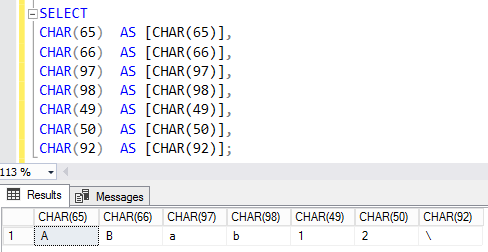
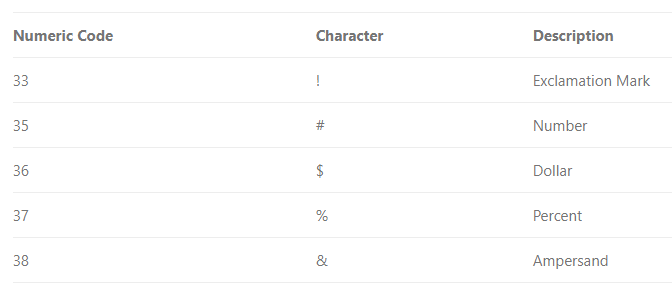
Commonly used ASCII Printable Characters
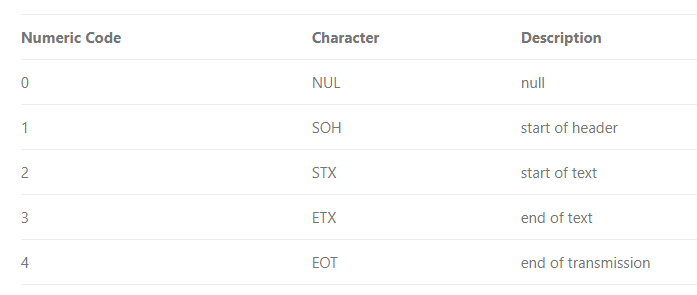
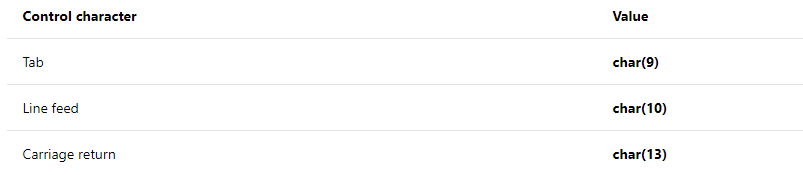
Control characters
Use CHAR to insert control characters into character strings. This table shows some frequently used control characters.
This example uses CHAR (13) to print the name and e-mail address of an employee on separate lines, when the query returns its results as text.

Another important thing is to identify the special characters, most of these control characters are not visible in usual applications.
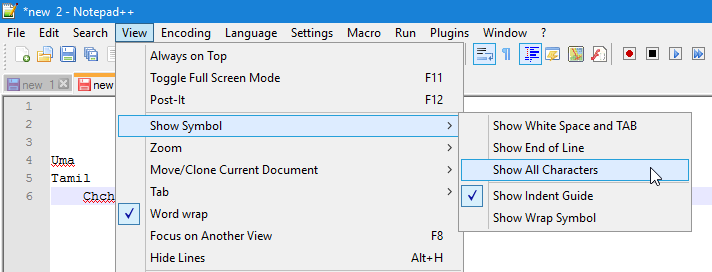
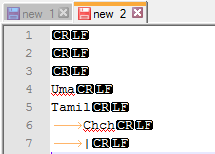
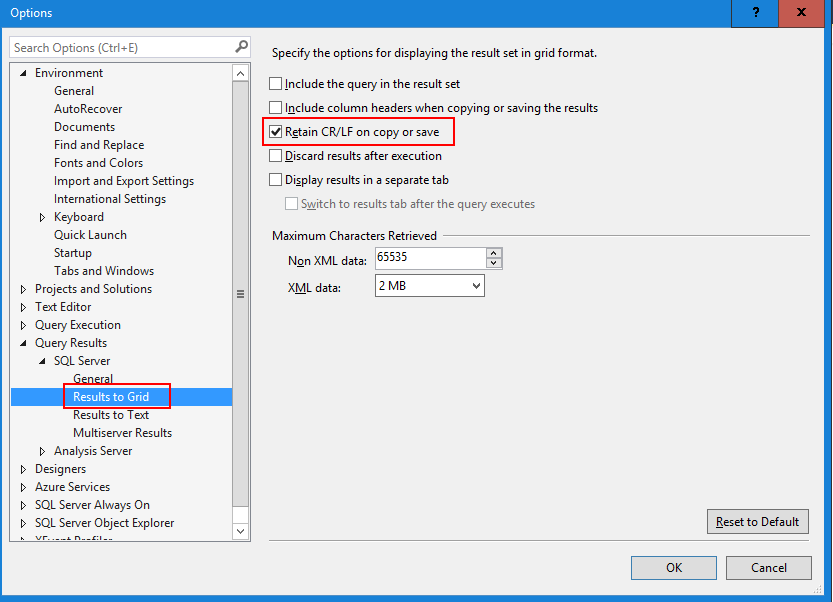
To view ASCII control characters, you can use Notepad++ or SSMS
In Notepad++ enable Show All Character option.
In SSMS enable Retain CR/LF on copy and save option.
Cheers!
Uma