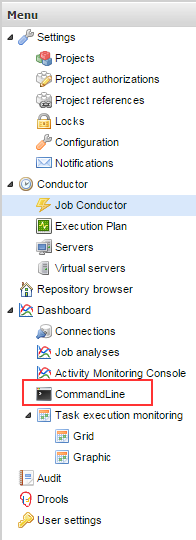
In Talend Administration Center (TAC), you can run/schedule the job via Job Conductor or Execution Plan. However, both the options are giving different features, also based on the situation you should choice, which one you need to use.
Job conductor
In job conductor, each job needs to be run/schedule individually, or you have to design the Master Job to run/schedule many job at the same execution. Because you cannot define the task flow in Job conductor. Also every jobs need to generate and deploy separately.
Execution Task
A task execution plan outlines dependencies among different tasks that form an execution plan, the thing we cannot see in the task list in the Job Conductor page. These dependencies are defined by using a hierarchical view of main and child tasks where each task in the hierarchical view can have a subordinate task. From this page, you can define a task execution plan and then add different tasks to this plan in a specific order depending on the two conditions OnOk and On Error, or simply by using After. Later the tasks are executed in the specified order.
Once you generate and deploy the Execution plan task, it will generate and deploy all the jobs under the Execution task.
Sometime same standard jobs may use for many Execution task, in this instance you can define different parameter/context values for the same job. This feature allows to run the same job with under different parameters.
Always recommend to Generate and Deploy via Job Conductor unless you sure about status about all the job under the particular execution plan,becaue when you generate and deploy in Execution plan all the related Job also will effect, which might be under development. Even you generate and deploy via Job conductor or Execution Plan both will give same effect.
Cheers! Uma