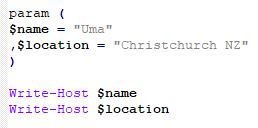

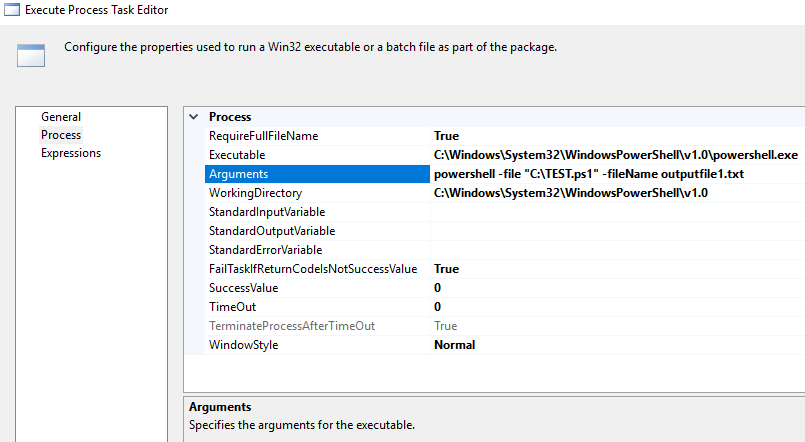
How to run PowerShell script in SSIS using Execute Process Task
Cheers!
Uma
How to run PowerShell script in SSIS using Execute Process Task
Cheers!
Uma
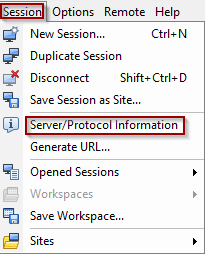
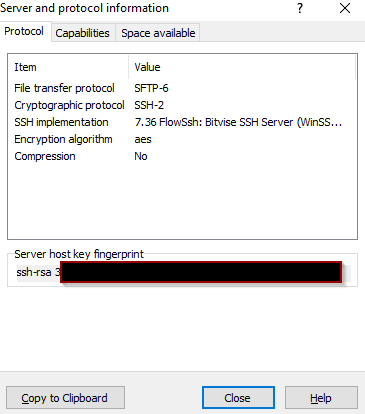
Once you connect to the SFTP server, go to session and click on Server/Protocol Information
Cheers!
Uma
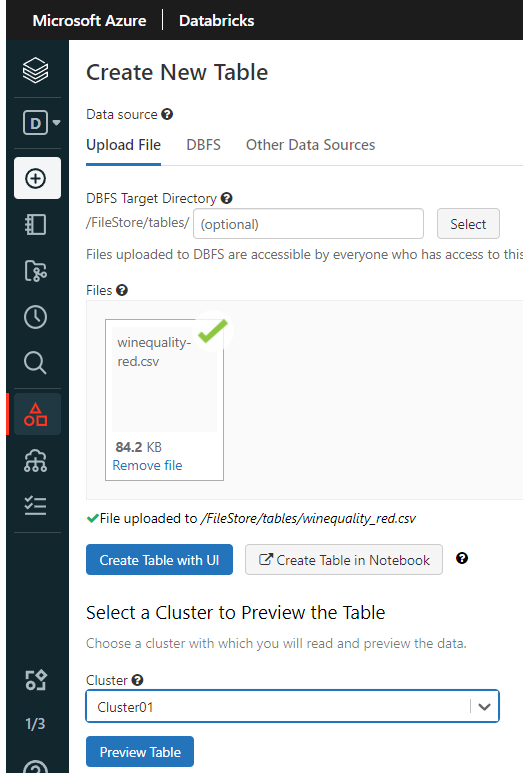
Data can be downloaded from here
https://archive.ics.uci.edu/ml/datasets/wine+quality
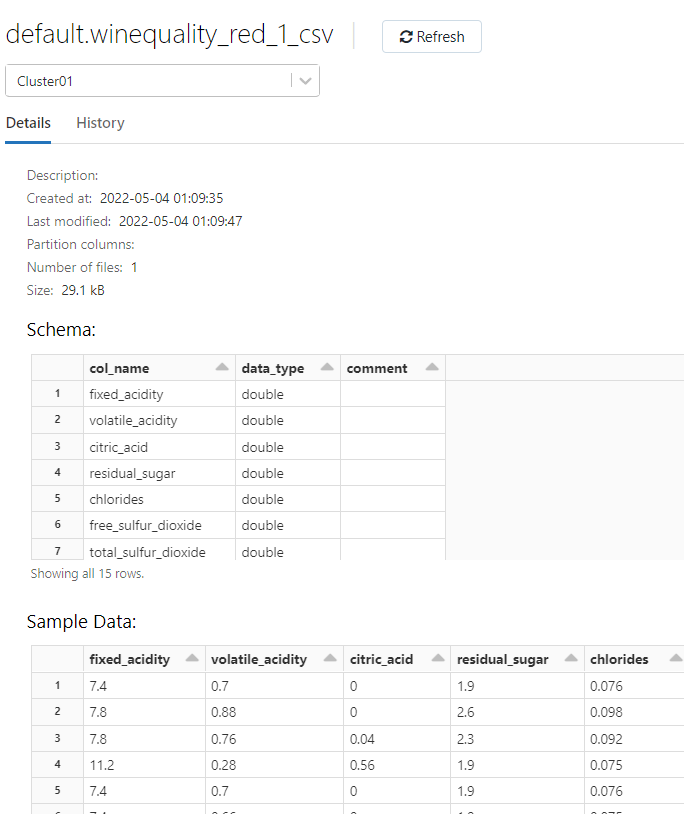
In the preview data, use “First row is header” to identify the column name & “ Infer Schema” to automatically identify the data types.
The table will be created in Default database
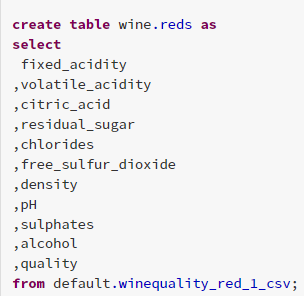
Let’s crate a new database and load data into the table
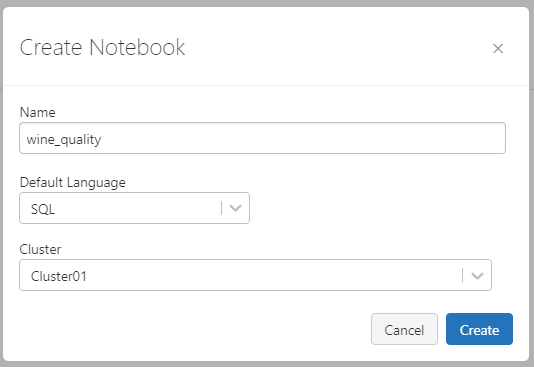
Create a SQL Notebook and Import that downloaded data.
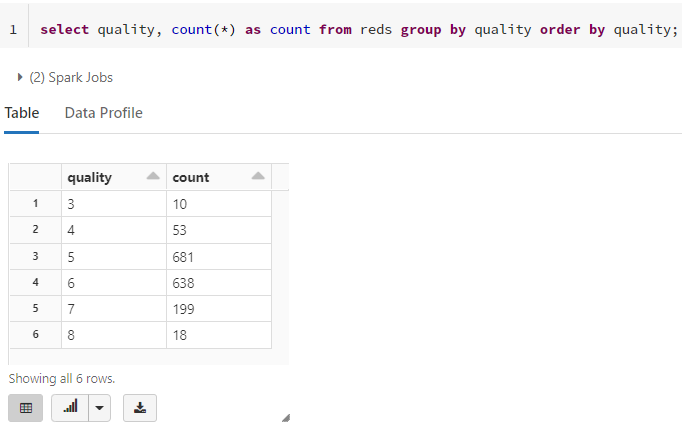
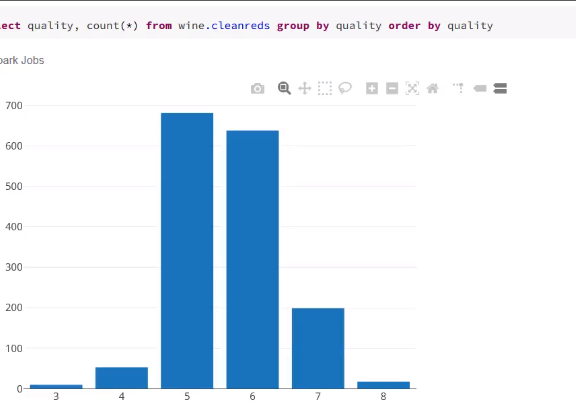
Some sample useful SQL commands
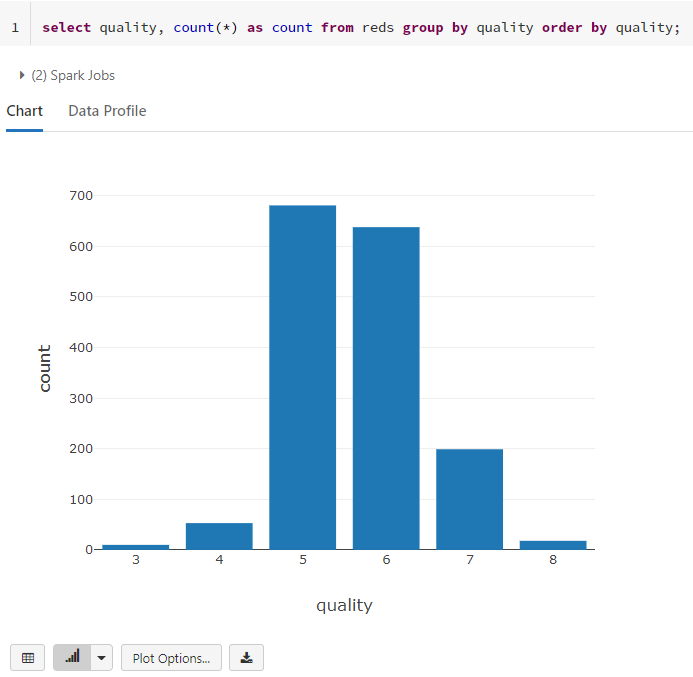
You can change to plot view
Using Python Notebook
Create a data frame and load the data from the table
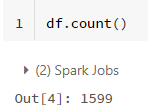
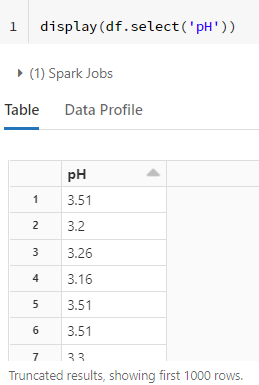
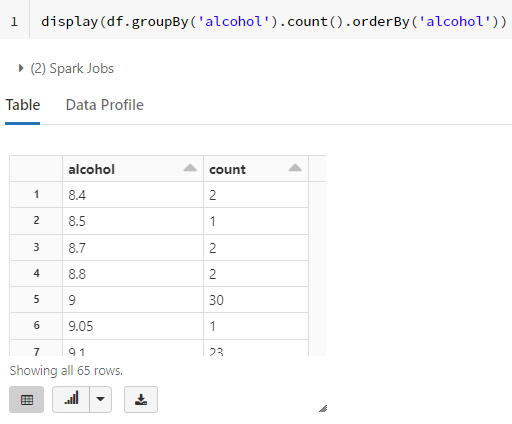
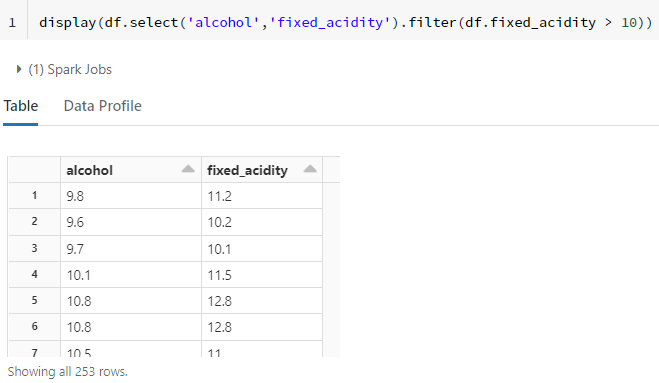
Some common useful Python commands
Save the results as another table
Cleaning Data
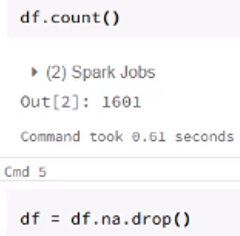
Handling NULL value
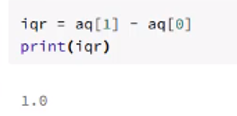
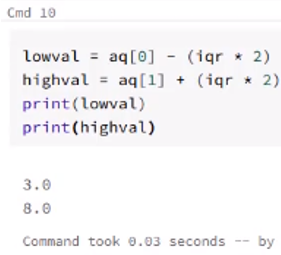
Remove extreme values or outliers
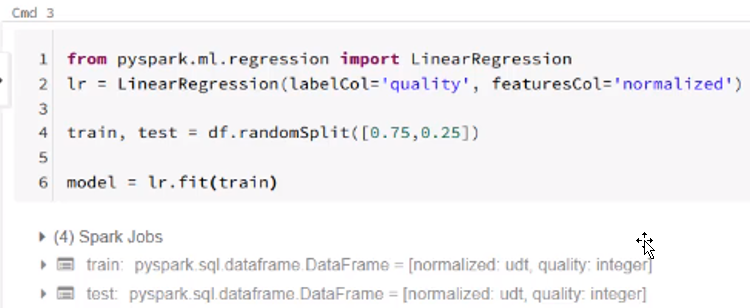
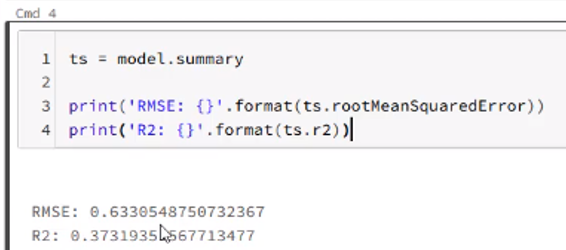
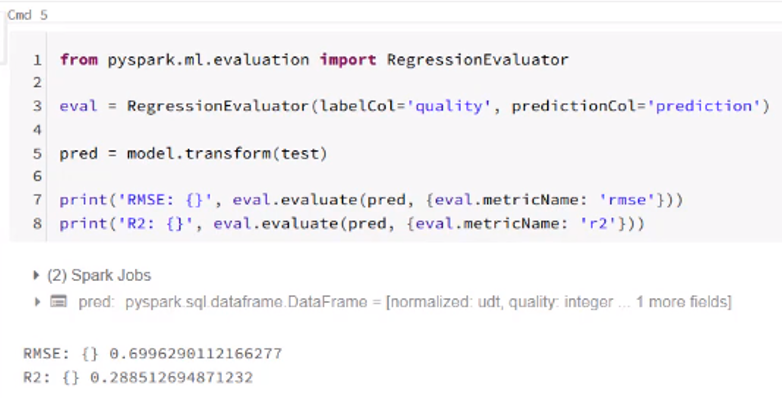
Machine Learning
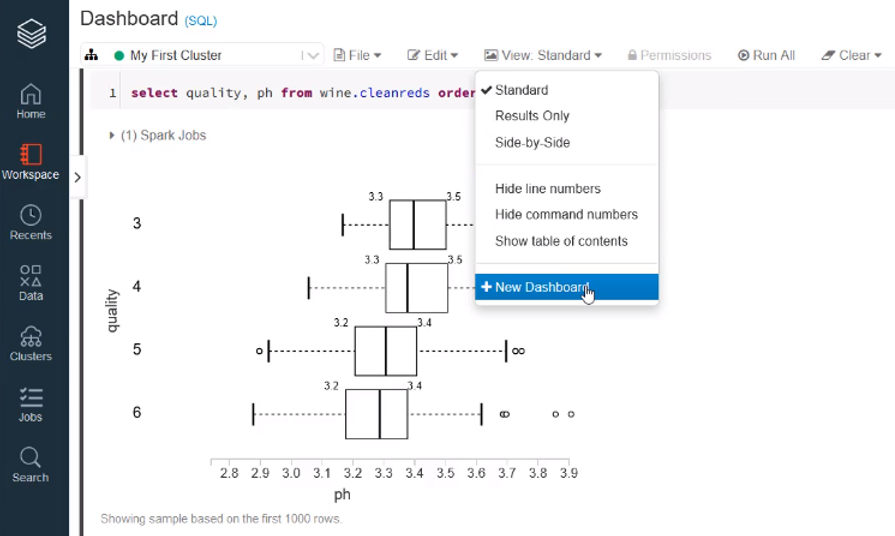
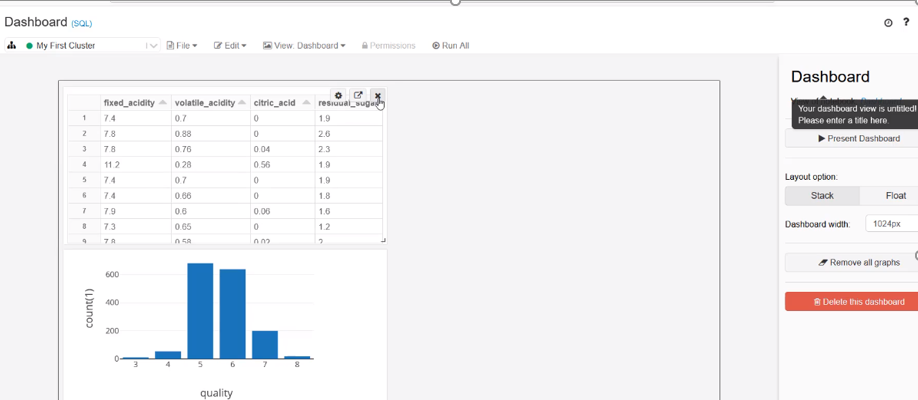
Create multiple charts and dashboards
Cheers!
Uma
If the Excel sheet name is dynamic, you might find it difficult to automate using SSIS. This post covers using Provider=Microsoft.ACE.OLEDB.12.0. ACE has superseded JET. There are many posts using Provider=Microsoft.Jet.OLEDB.4.0, however the Jet engine can only access office 97-2003, but you cannot access office 2007 and later versions. In addition, ACE provides a 64-bit driver, so can be used on 64-bit machines, whereas JET cannot.
SSIS Script Task C# code
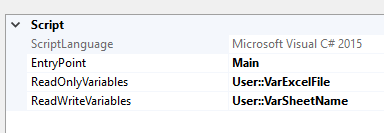
Add variables one for Excel full file path and other one for store dynamic sheet name
//add these 2 namespaces
using System.IO;
using System.Data.OleDb;
// TODO: Add your user Main()
public void Main()
{
string fileToTest = Dts.Variables["User::VarExcelFile"].Value.ToString();
string ConStr;
string HDR;
HDR = "YES";
ConStr = "Provider=Microsoft.ACE.OLEDB.12.0;Data Source=" + fileToTest + ";Extended Properties=\"Excel 12.0;HDR=" + HDR + ";IMEX=0\"";
OleDbConnection cnn = new OleDbConnection(ConStr);
cnn.Open();
DataTable dtSheet = cnn.GetOleDbSchemaTable(OleDbSchemaGuid.Tables, null);
foreach (DataRow drSheet in dtSheet.Rows)
{
Dts.Variables["User::VarSheetName"].Value = drSheet["TABLE_NAME"].ToString();
break;
}
MessageBox.Show(Dts.Variables["User::VarSheetName"].Value.ToString());
Dts.TaskResult = (int)ScriptResults.Success;
}
In this case, I am interested in only one sheet, so I used break inside the foreach loop, if you are interested with multiple sheets, just add the logic under foreach.
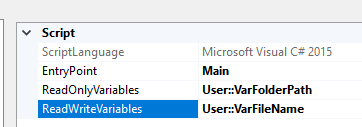
If the excel file name is also dynamic, then you can use the following command to find the latest file name using Script Task.
public void Main()
{
// TODO: Add your code here
var directory = new DirectoryInfo(Dts.Variables["User::VarFolderPath"].Value.ToString());
FileInfo[] files = directory.GetFiles();
DateTime lastModified = DateTime.MinValue;
foreach (FileInfo file in files)
{
if (file.LastWriteTime > lastModified)
{
lastModified = file.LastWriteTime;
Dts.Variables["User::VarFileName"].Value = file.ToString();
}
}
string filepath = Dts.Variables["User::VarFolderPath"].Value.ToString() + "\\" + Dts.Variables["User::VarFileName"].Value.ToString();
Dts.TaskResult = (int)ScriptResults.Success;
}
Cheers!
Uma