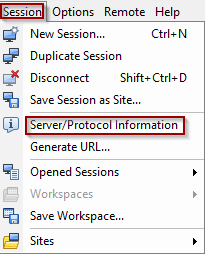
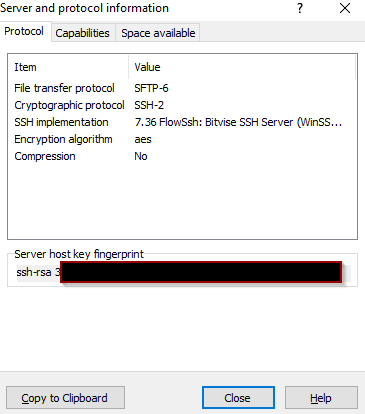
These days most of the organizations use SFTP files transfer protocol. There is still no any inbuilt component in SSIS to download the files from SFTP, but there is a component for FTP.
Most of use C# or PowerShell code to avoid cost for 3rd party components. In this blog, I explain how to use PowerShell with WinScp. First you need to install WinSCP library and most of the code you can get from https://winscp.net/forum
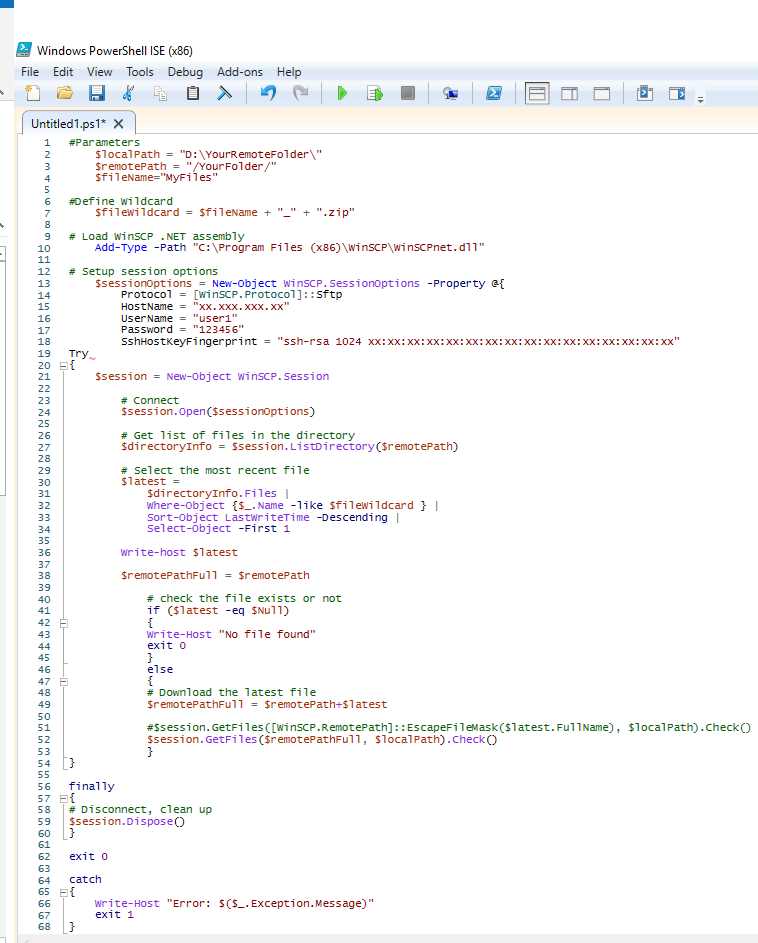
Here is the example code to download the latest file using wildcard
<#####################
Code
######################>
#Parameters
$localPath = "D:\YourRemoteFolder\"
$remotePath = "/YourFolder/"
$fileName="MyFiles"
#Define Wildcard
$fileWildcard = $fileName + "_" + ".zip"
# Load WinSCP .NET assembly
Add-Type -Path "C:\Program Files (x86)\WinSCP\WinSCPnet.dll"
# Setup session options
$sessionOptions = New-Object WinSCP.SessionOptions -Property @{
Protocol = [WinSCP.Protocol]::Sftp
HostName = "xx.xxx.xxx.xx"
UserName = "user1"
Password = "123456"
SshHostKeyFingerprint = "ssh-rsa 1024 xx:xx:xx:xx:xx:xx:xx:xx:xx:xx:xx:xx:xx:xx:xx:xx"
}
Try
{
$session = New-Object WinSCP.Session
# Connect
$session.Open($sessionOptions)
# Get list of files in the directory
$directoryInfo = $session.ListDirectory($remotePath)
# Select the most recent file
$latest =
$directoryInfo.Files |
Where-Object {$_.Name -like $fileWildcard } |
Sort-Object LastWriteTime -Descending |
Select-Object -First 1
Write-host $latest
$remotePathFull = $remotePath
# check the file exists
if ($latest -eq $Null)
{
Write-Host "No file found"
exit 0
}
else
{
# Download the selected file
$remotePathFull = $remotePath+$latest
#$session.GetFiles([WinSCP.RemotePath]::EscapeFileMask($latest.FullName), $localPath).Check()
$session.GetFiles($remotePathFull, $localPath).Check()
}
}
finally
{
# Disconnect, clean up
$session.Dispose()
}
exit 0
catch
{
Write-Host "Error: $($_.Exception.Message)"
exit 1
}
<#####################
Code End
######################>
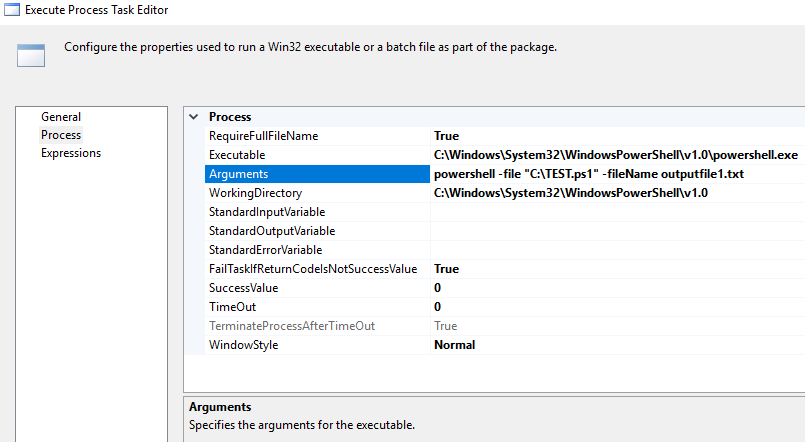
You can call this PowerShell script using Execute Process Task under SSIS
Cheers!
Uma