This blog post will give clear idea for the following questions related to ispac file in SSIS
- What is .ispac file in SSIS
- How to create ispac file
- How to deploy using ispac file
- How to create solution in Visual studio using ispac file
What is .ispac file
Specifies the file format for the SQL Server Integration Services project deployment file, which is a file type that is used to represent the packaged metadata of a data integration project. At the centre of the project deployment model is the project deployment file (.ispac extension). The project deployment file is a self-contained unit of deployment that includes only the essential information about the packages and parameters in the project.
How to crate .ispac file
The project deployment model was introduced in SQL Server 2012 Integration Services (SSIS). If you used this model, you were not able to deploy one or more packages without deploying the whole project prior to SQL Server 2016. For the purpose, isapac file format introduced. This is something similar to create SSISDeploymentManifest in previous SQL Server SSIS versions.
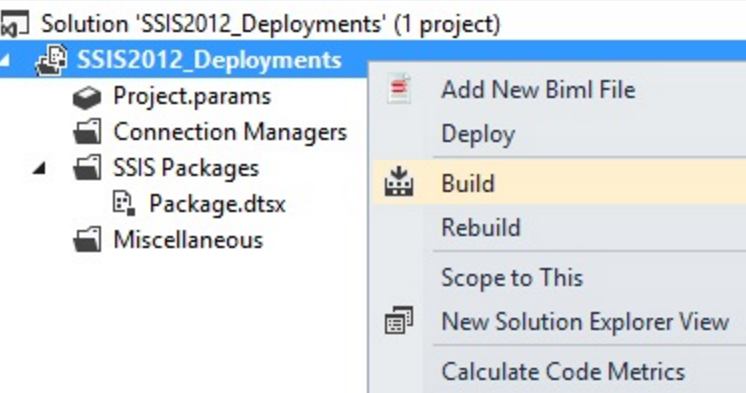
When you run a package, behind the scenes Visual Studio will first build/compile all the required project elements into a deployable quantum called an ispac. This will be found in the bin\Development subfolder for your project. Using this file, you can deploy the project without Data Tool or Visual Studio.
How to deploy SSIS packages using ispac
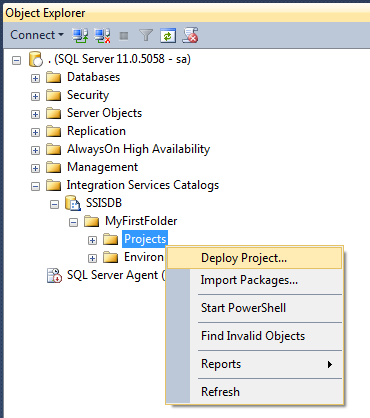
In SSISDB create a folder then right click and click on deploy project and follow the wizard
Create a visual studio project
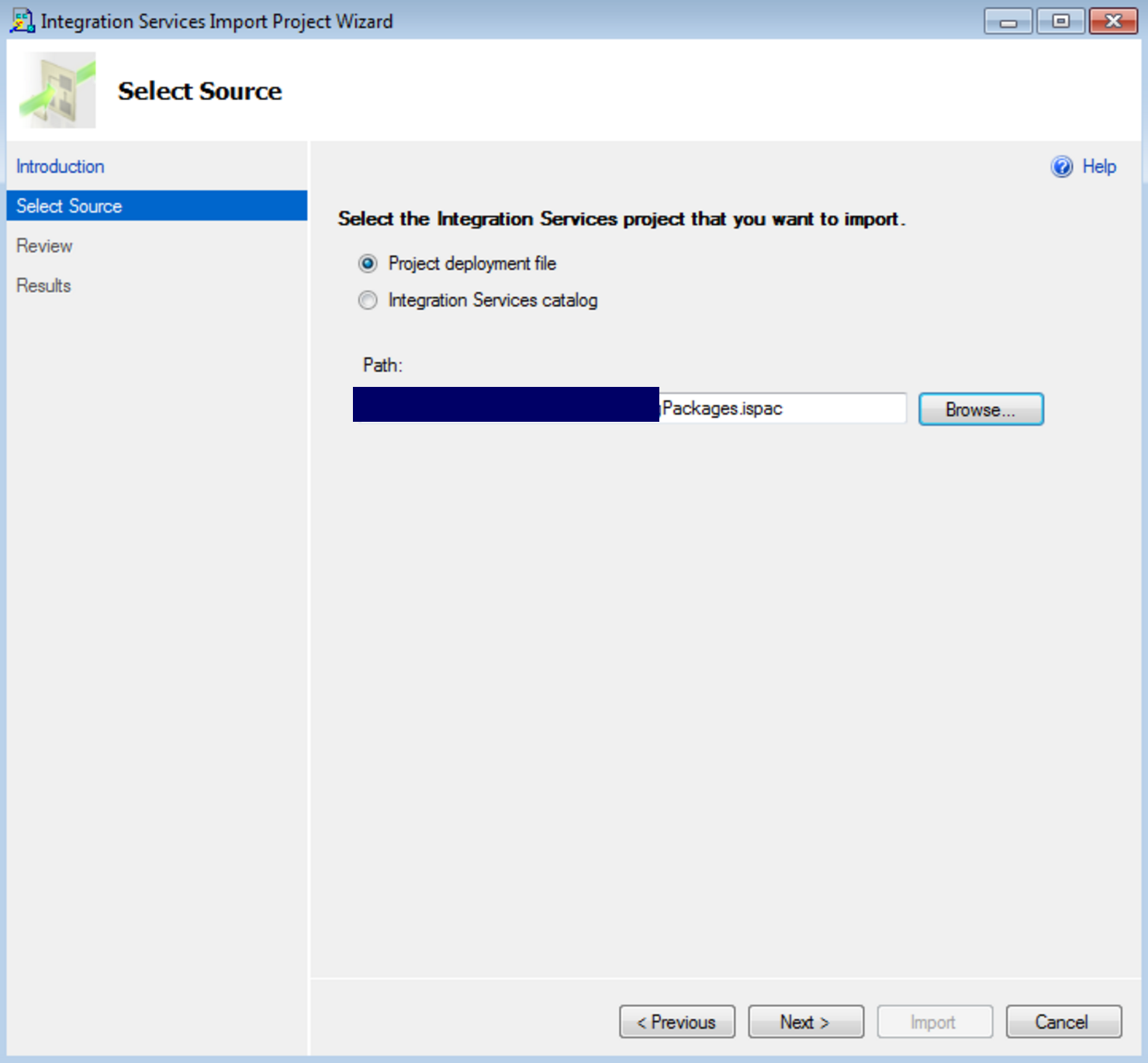
You can import ispac file into visual studio
Open Visual Studio
File -> New -> Project (Business Intelligence -> Integrations Serices)
Select “Integration Services Import Project Wizard”
Cheers!
Uma
