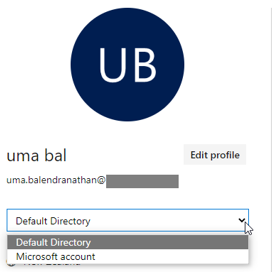
First, if you don’t have an Azure DevOps account signup for free. Make sure you select the Default directory.
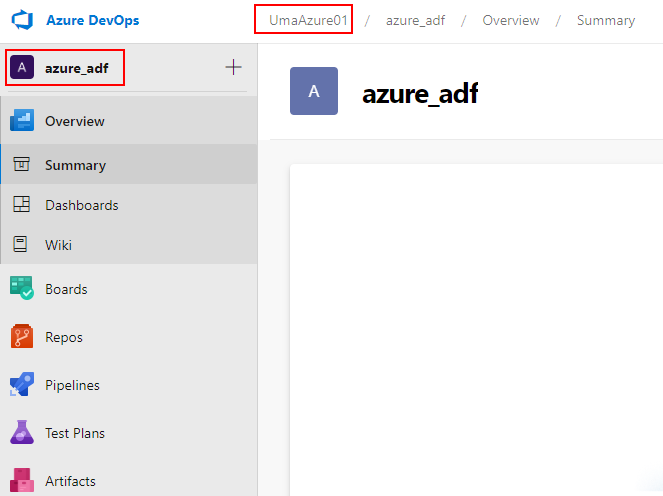
Create an organization and a project.
Organization - UmaAzure01
Project – azure_adf
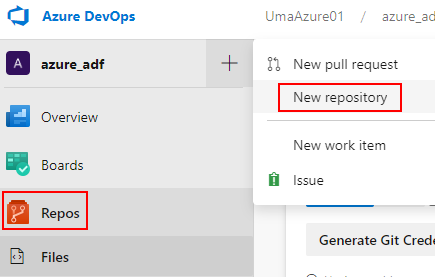
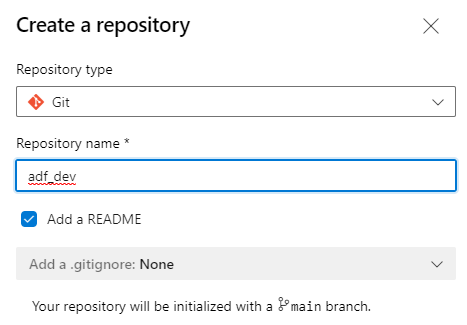
Create a new Repository – Imagine a Repository is like a Parent Folder
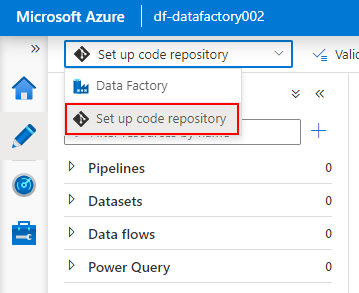
Now go to Azure Data Factory and click on Set up code repository.

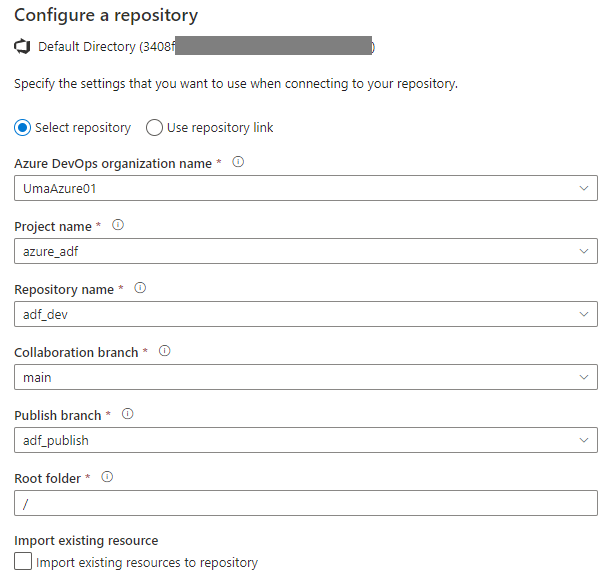
Here Collaboration branch means – the Final Code of the application. Usually, the main branch is set as a collaboration branch which is called as Main/Master Branch.
You can create multiple branches which are called a Feature Branch.
Branches will be merged with the master branch through Pull Request. The pull request is for approval for merging with the master.
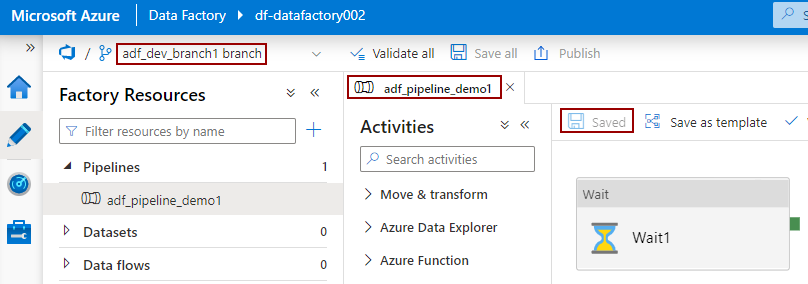
Create a new working branch or you can use the main. In here ad_dev_branch1

Let’s create a pipeline and test. Create a pipeline under adf_dev_branch1 and saved it.
You can log in to the repository and create the Pull Request to merge
adf_dev_branch1 🡪 main

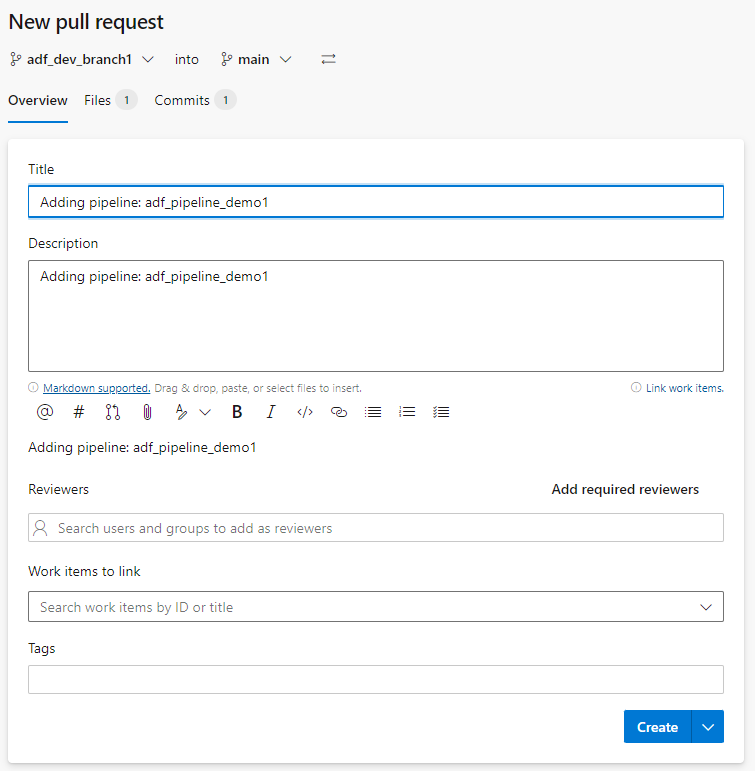
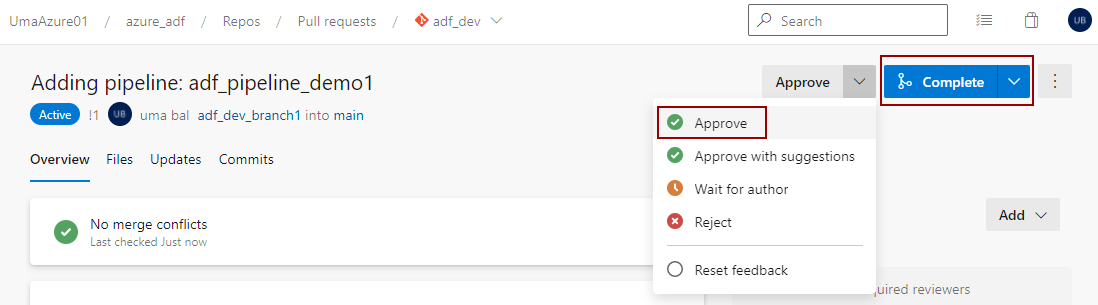
Approve the Pull Request and click on the complete button.

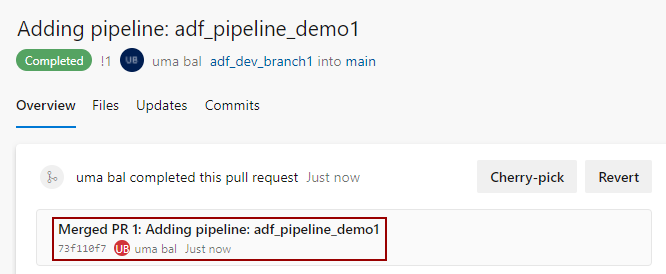
Once you the is completed, you can see changes in Main Branch in ADF

Cheers!
Uma
