You can group your data into chunks for visualization purposes. Group is used for character fields and binning is used for numeric values.
Group
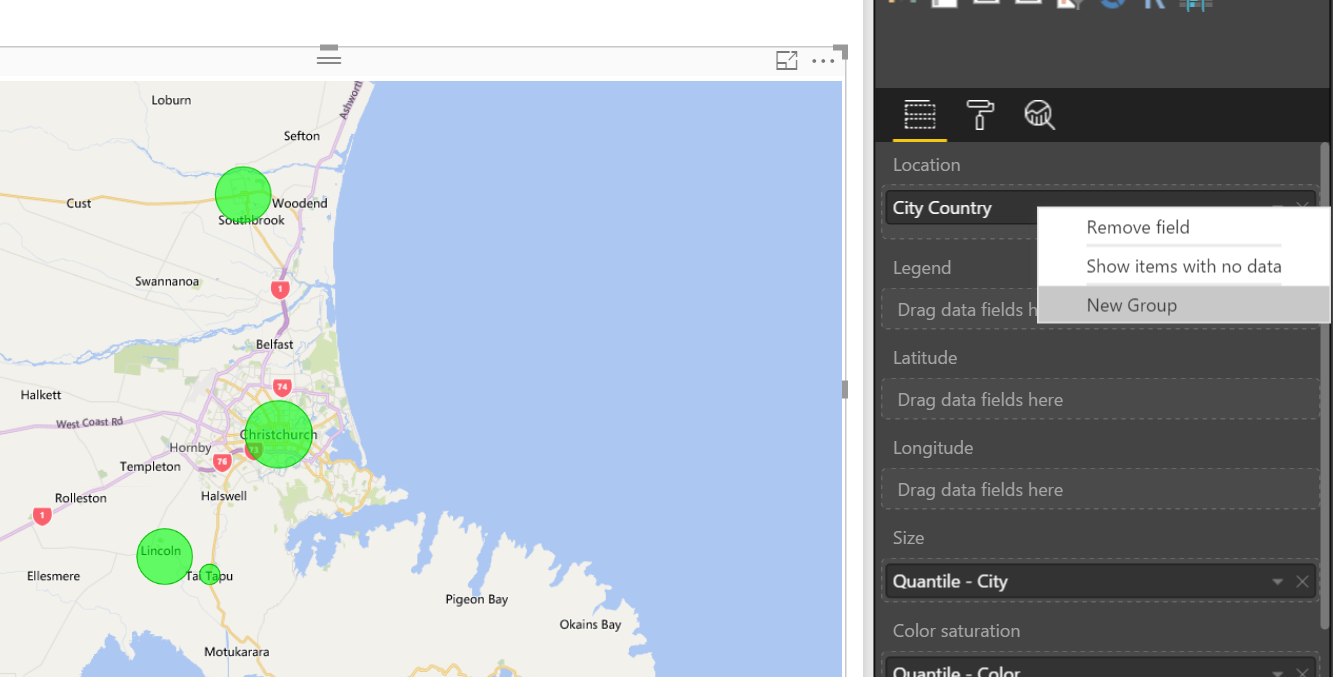
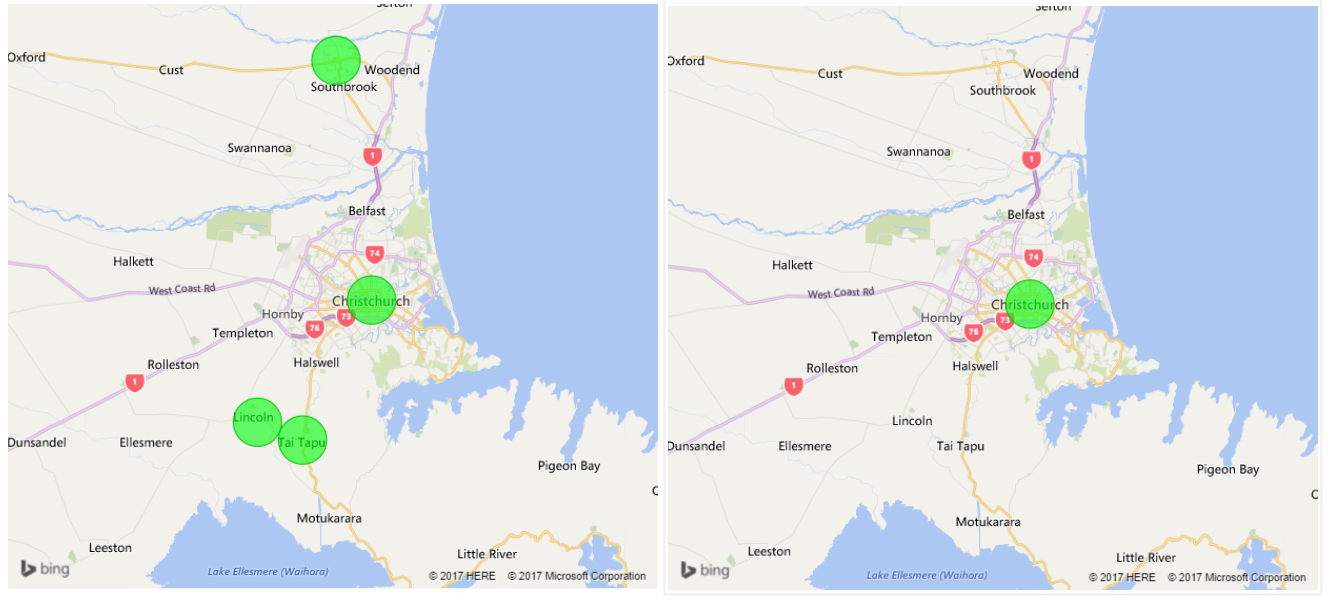
You can group data points to help you more clearly view, analyze, and explore data and trends in your visuals. The following example shows that how to group some cities into a group.

Binning
You can set the bin size for numerical and time fields in Power BI Desktop. You can use binning to right-size the data that Power BI Desktop displays. Binning is very useful in many purposes for example group into a range of data.
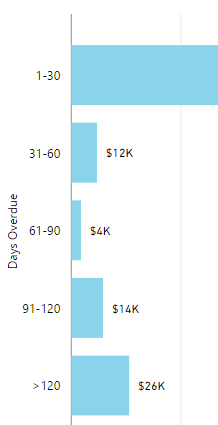

The following example shows that how to categorised into Payment due date.

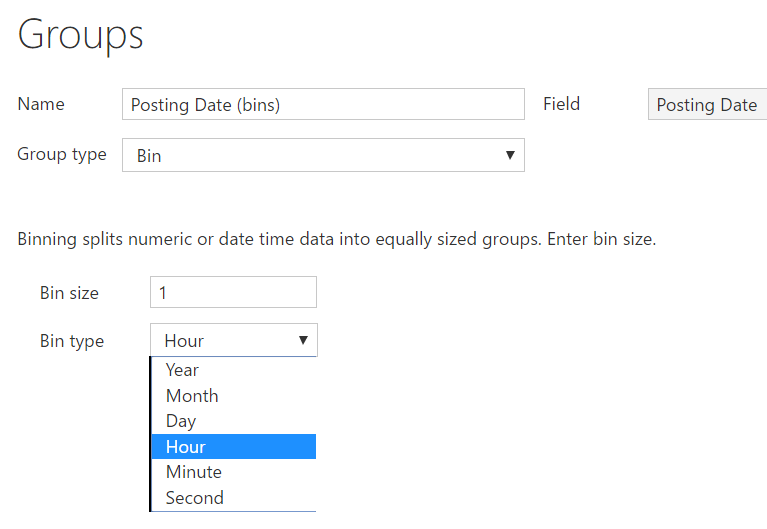
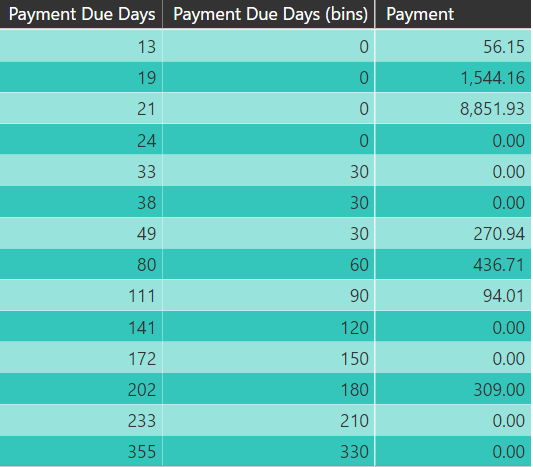 In the same way, you can create a date data type fields with Bin Type as shown below.
 Cheers!
Uma
Cheers!
Uma
